How to Create Multiple Solana Wallets for Market Making
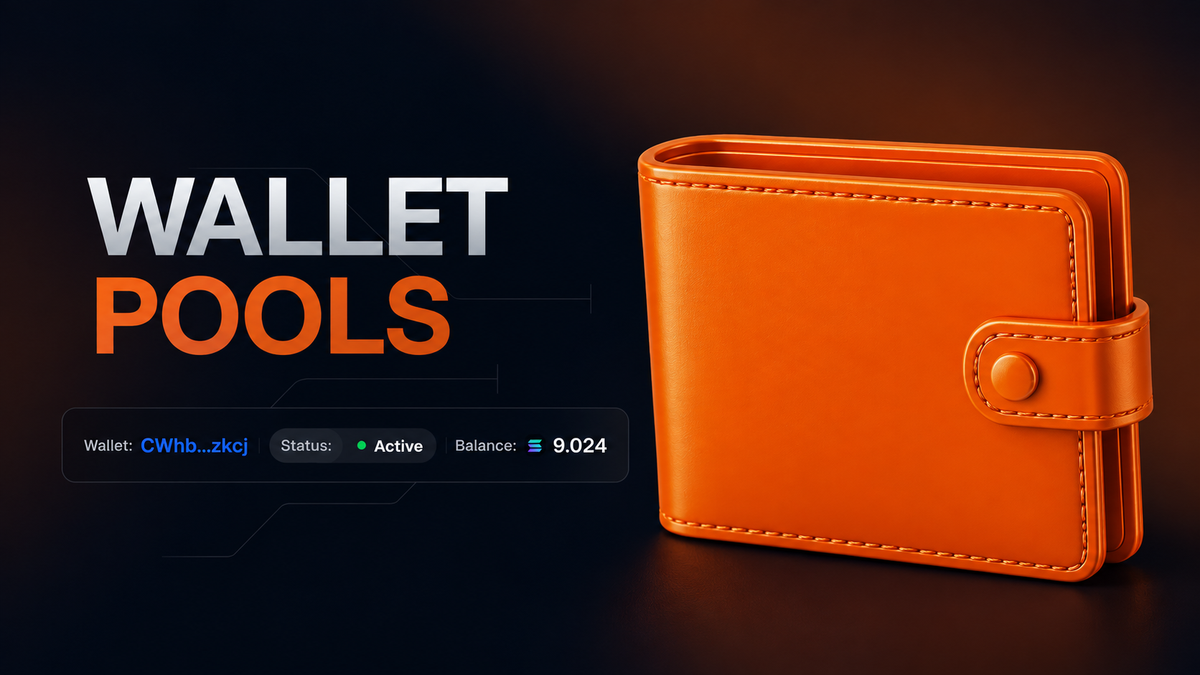
If you're doing market making, you're not working with one wallet — you're working with dozens or hundreds.
Wallet Pools on tsunammi lets you group them together, manage everything from a single dashboard, and run bulk operations without manual work.
Create a pool, generate or import wallets, and plug them straight into Price Boost, Price Drop, or Smart Buy/Sell.
You can create 1 to 1000 wallets in seconds, and export the full list to xlsx anytime.
Step 1 — Create a pool.
Open Wallet Pools and click Create new Pool. Give it a name, then hit Create.
Step 2 — Manage Pool.
A new pool starts empty. There are two ways to fill it:
- Create wallets — generate new ones.
Import wallets — import existing ones.
Step 3 — Start Market Making.
Once wallets are added or created, make sure to top them up — the minimum balance is 0.016 SOL per wallet.
After that, you’re ready to run any of tsunammi’s market making tools on the pool: Price Boost, Price Drop, or Smart Buy/Sell.
How to use your created wallets?
You’ve created your wallets, topped them up, and run everything you needed through tsunammi’s market making tools.
So how do you actually use these wallets afterward?
Let’s walk through it using Phantom as an example.
Step 1 — Find the Private Key.
- Open the wallet pool you created
- Click the three dots (···) on the right side of the wallet
- The key will appear on screen — click Copy
Never share this key with anyone — anyone with access to it has full control over the wallet.
Step 2 — Import into Phantom.
- Open Phantom
- Click your profile avatar in the upper left, then Add Account → Import Private Key
- Choose Solana as the network, paste the key, and click Import
The wallet now appears in Phantom alongside your other accounts.
Note: If you don’t have a Phantom account yet
- First, install the Phantom extension:
- https://phantom.com/download
- Сlick I Already Have a Wallet
- Then Import Private Key
- Enter a name for the account, select Solana as the network, paste your private key, and click Import
- Claim a username to finish setting up your wallet
Wallet Pools → tool.tsunammi.io/wallets/projects
Documentation → tsunammi.gitbook.io/tsunammi/wallet-management/wallet-pools
Full toolkit → tsunammi.io